Upload Report

This allows you to upload a report to the study selected.
Selecting this option opens a dialog box for uploading reports.
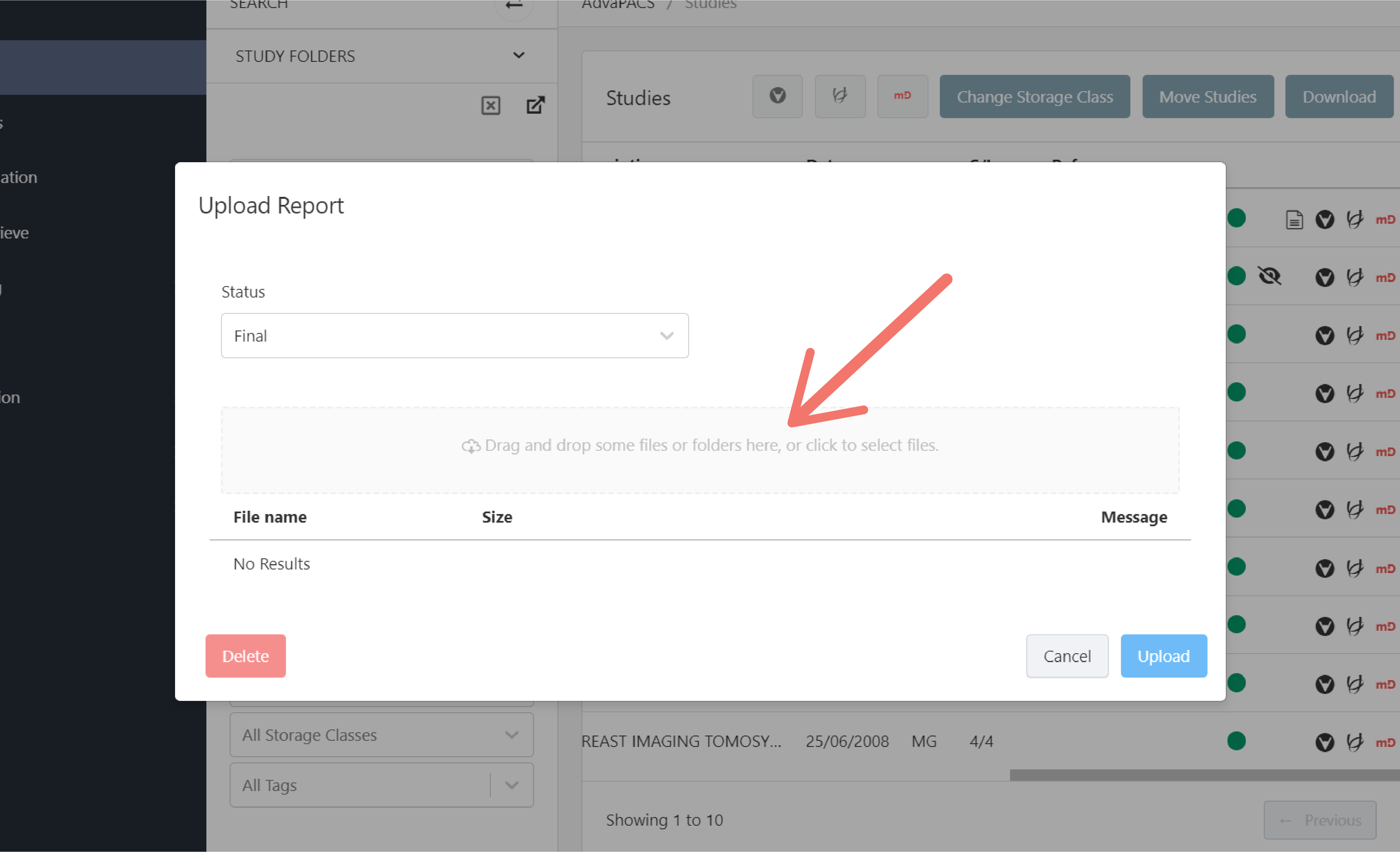
Upload Report
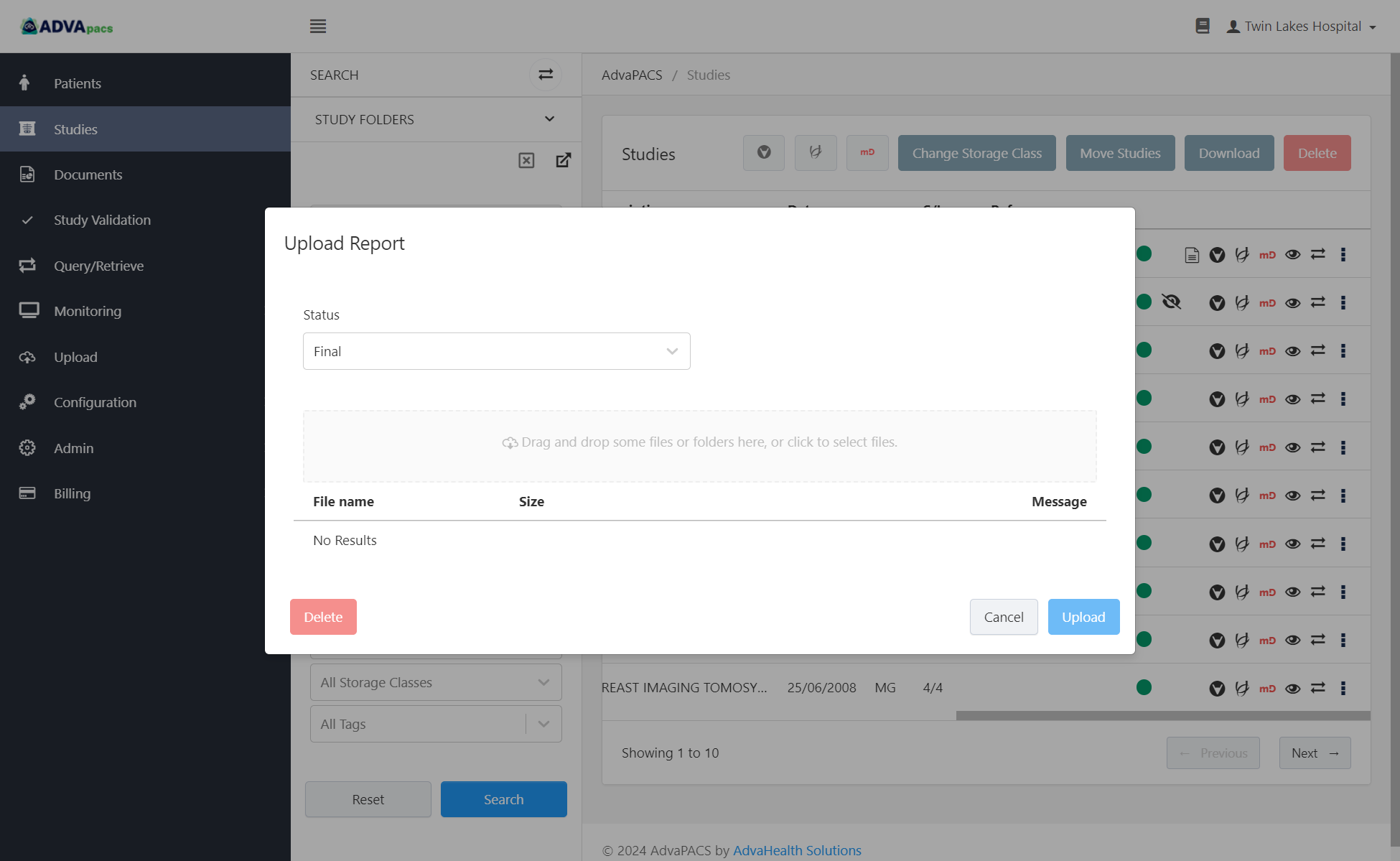
To upload a report, drag and drop a file or click the upload box to select a file to upload.
Select the status of the report.
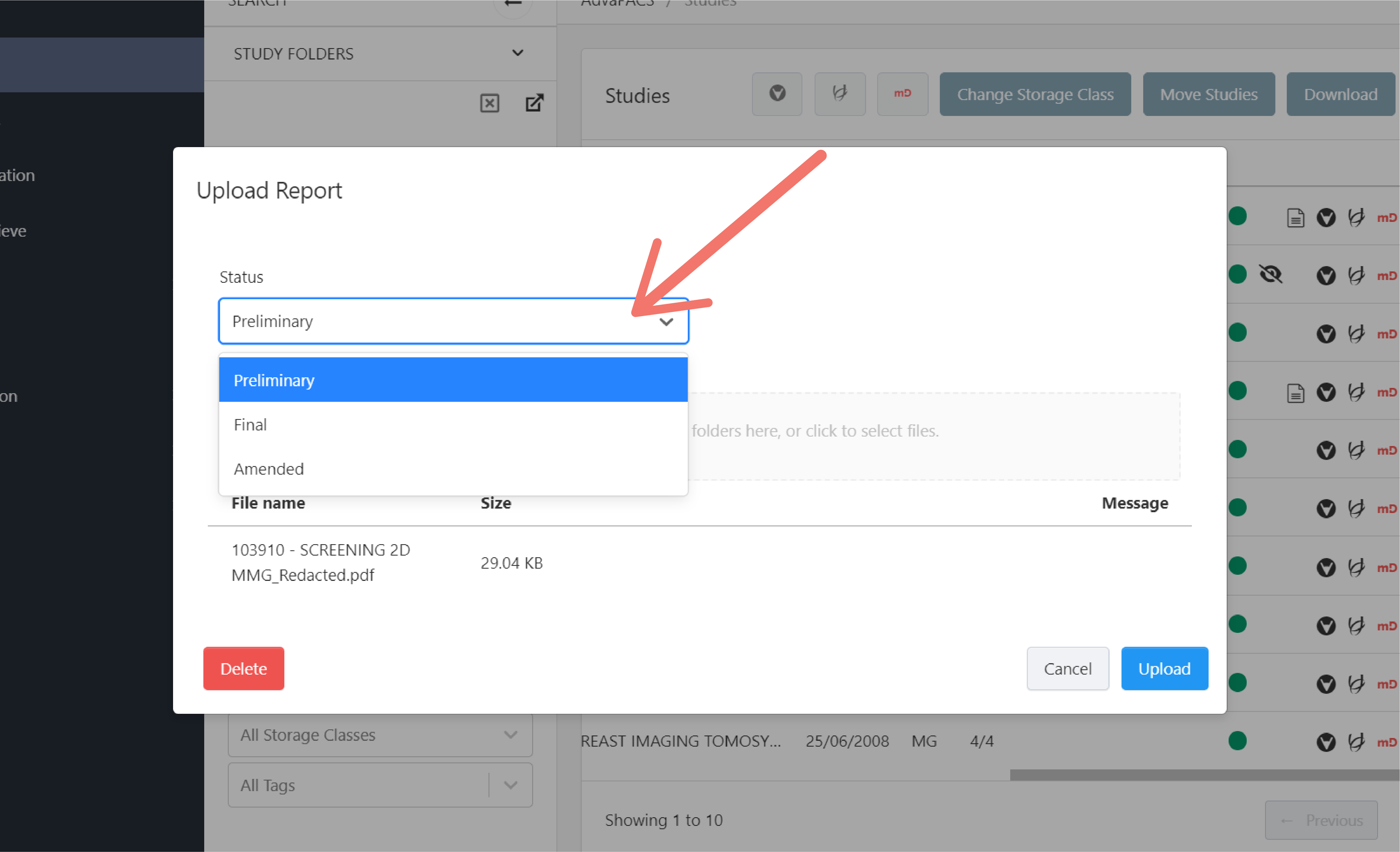
Click Upload.
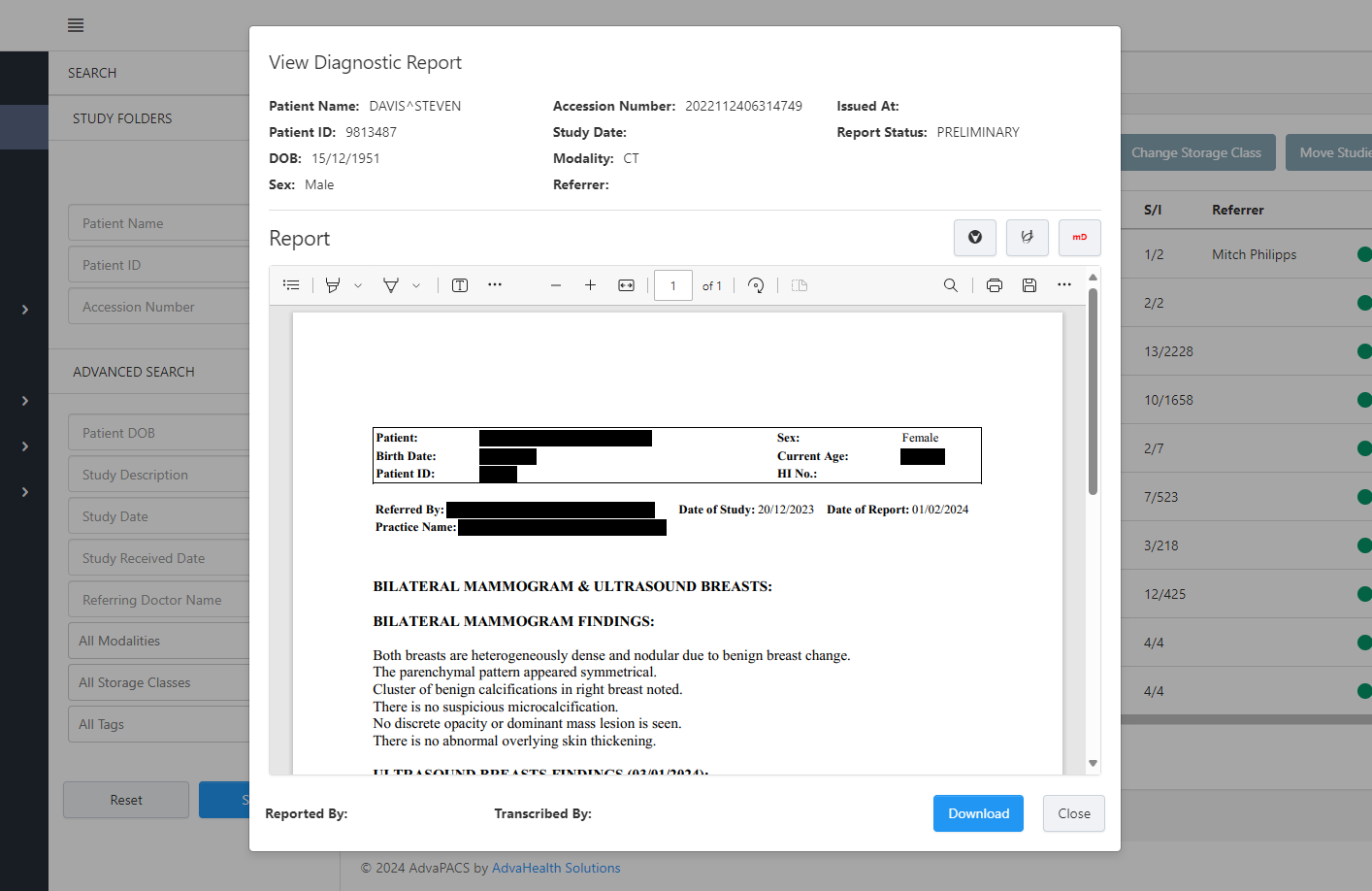
View Diagnostic Report
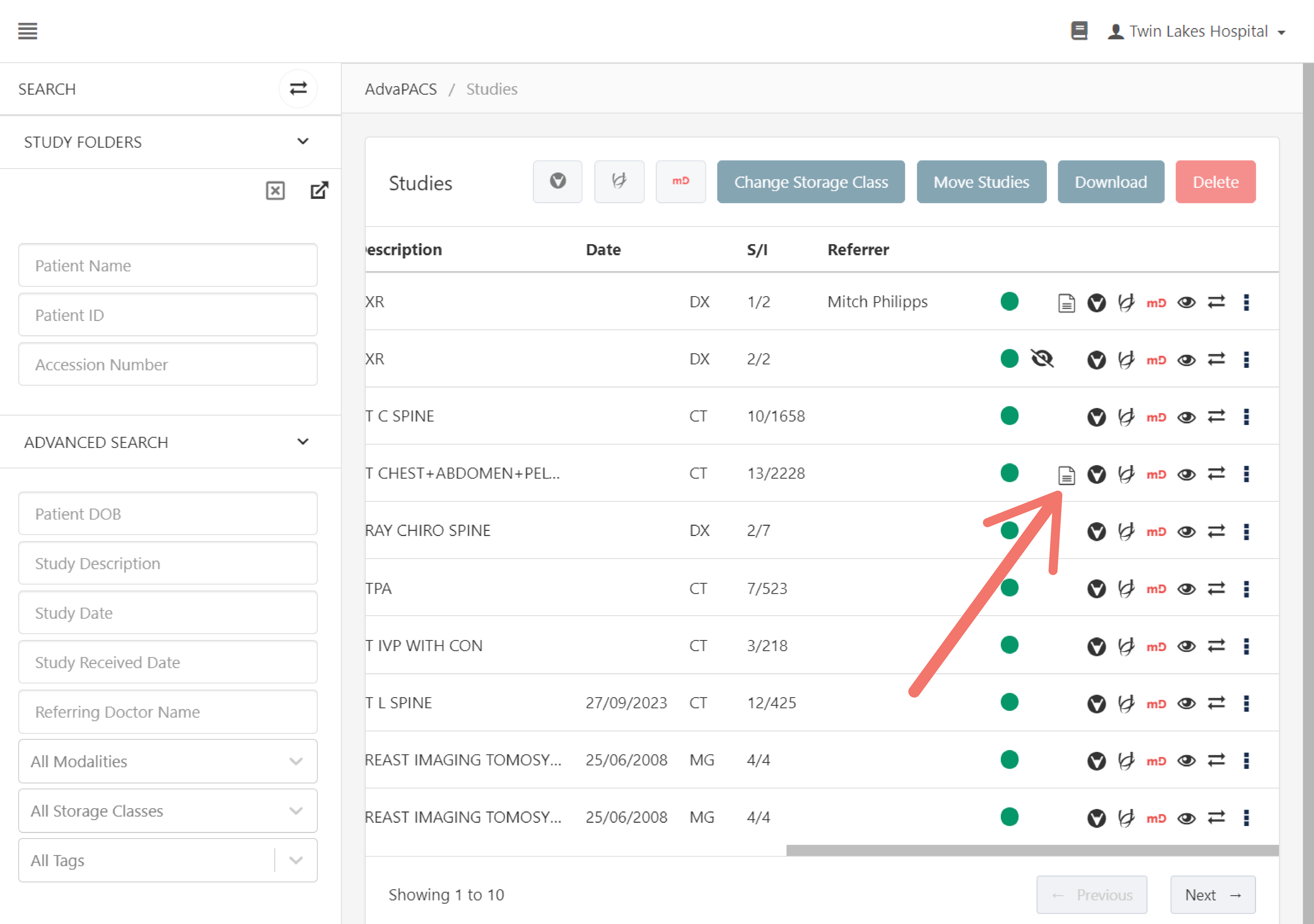
To view the uploaded report, click the "report" icon on a study.