Overview
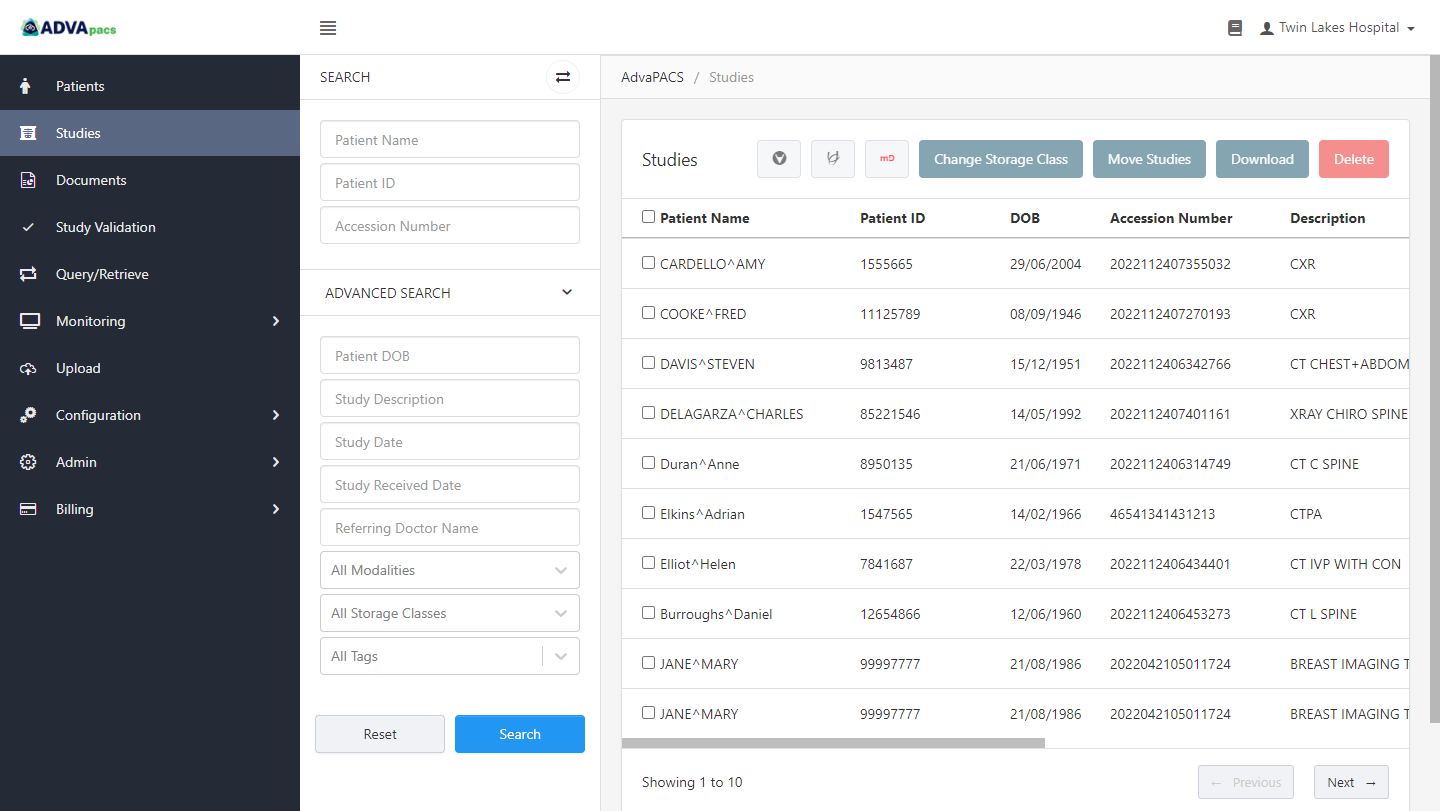
The Studies section provides the tools you need to search, view, and manage imaging data stored in AdvaPACS. From here, you can locate studies using a variety of search criteria, review study information, launch images in a configured DICOM viewer, and perform management tasks depending on your permissions.
Imaging data in AdvaPACS follows the standard DICOM hierarchy:
- Study – Represents a complete imaging examination for a patient.
- Series – A collection of related images or DICOM objects within a study.
- Instance – A single DICOM object within a series, such as an image, Structured Report (SR), Presentation State (PR), or PDF.
Studies in AdvaPACS are managed according to their hierarchy, which is divided into the following pages and sections: