Series Details and Instances Listing
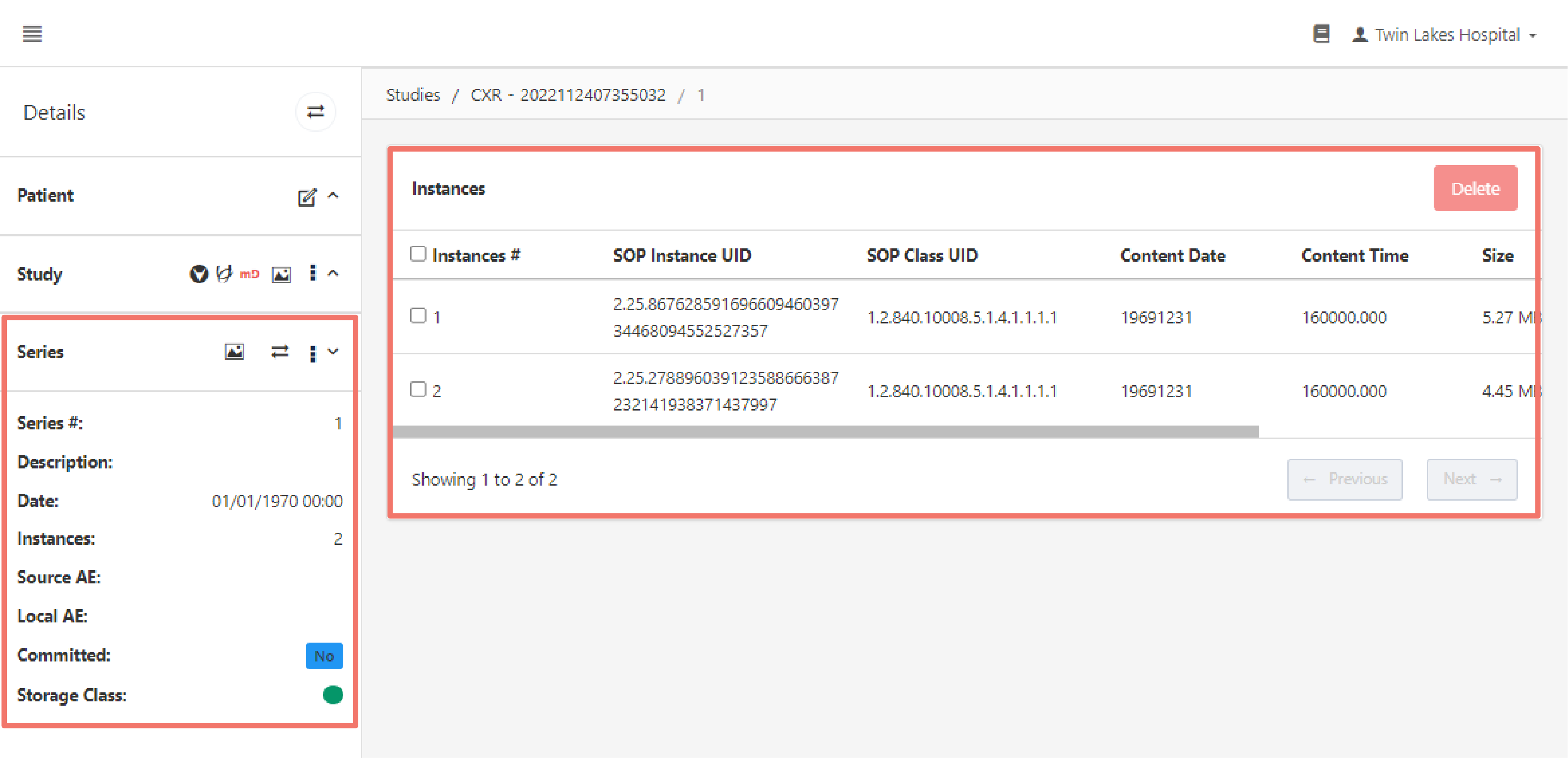
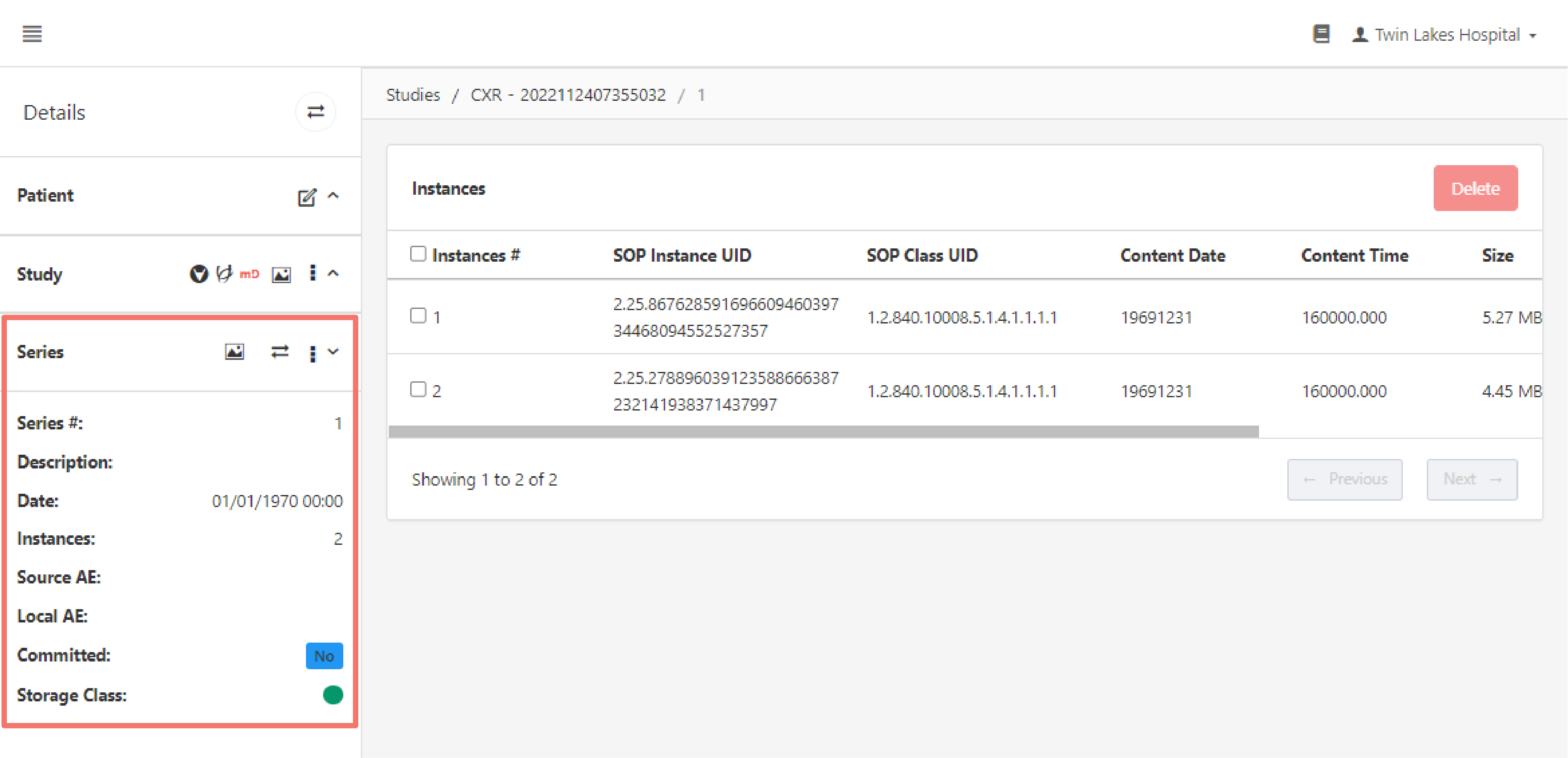
Viewing a series navigates you to the Series Details and Instances Listing page. This page contains the series' instances and details about the series arranged in the following sections:
Series Details
Viewing a series displays an additional sub-section in the Details Section containing information about the series and options for viewing and managing it.
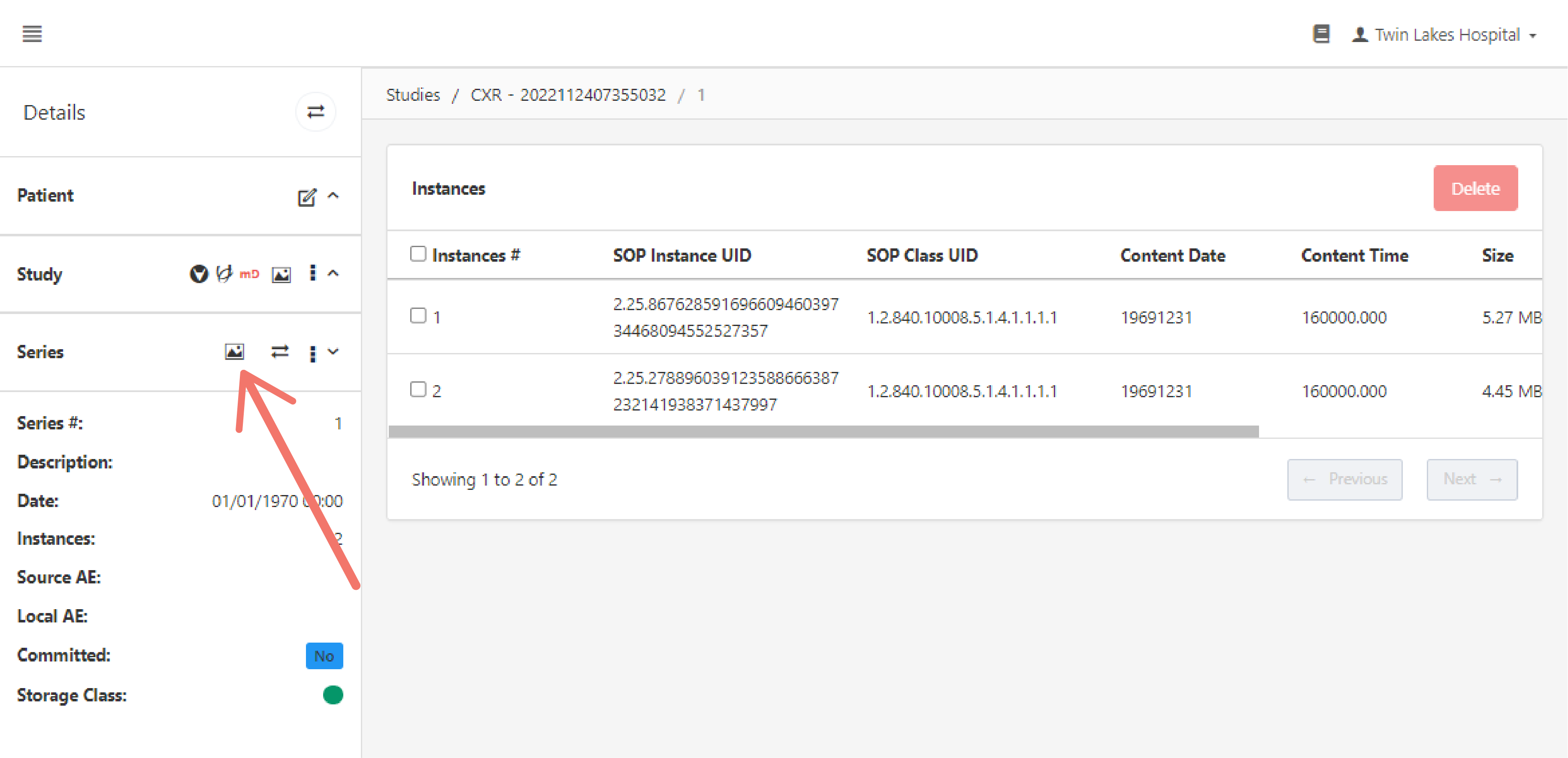
The "image" icon allows you to view the study's images in theAdvaPACS DICOM Viewer.
The rest of the options found here are also available in the Series Section. You may refer to these articles for more information:
- Download Series
- Edit Series
- Change Storage Class
- Delete Series
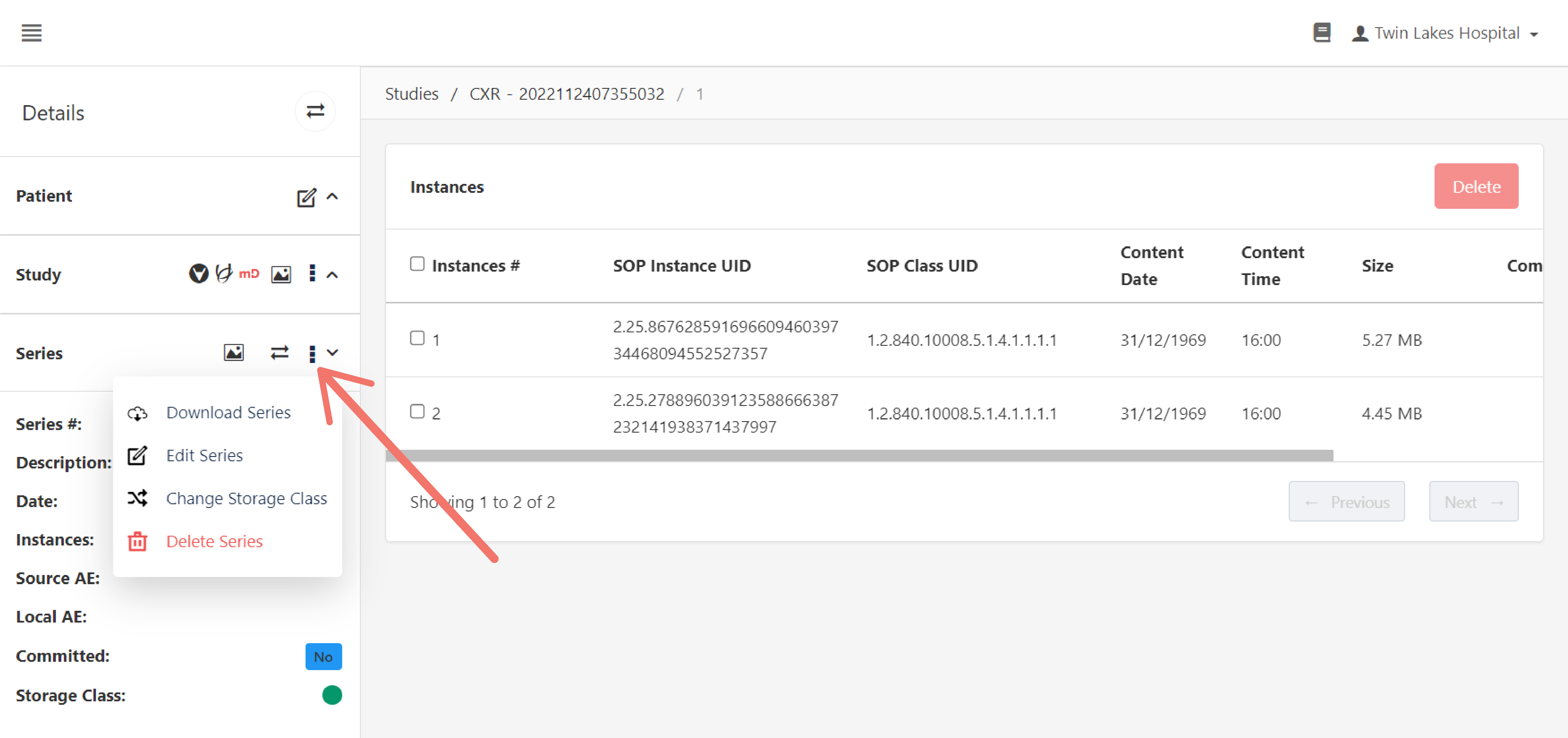
As well as the option for moving a series.
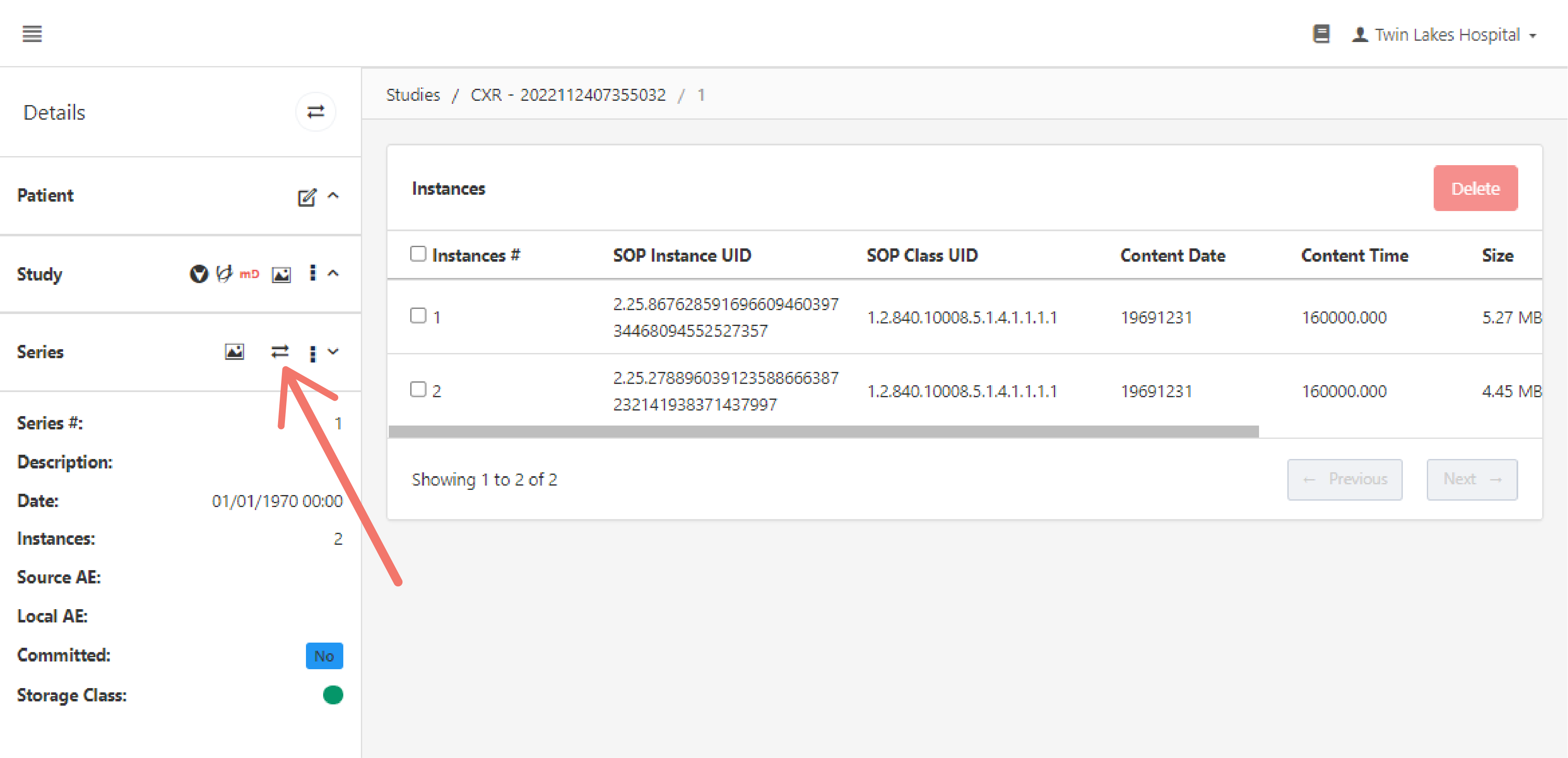
Instances Section
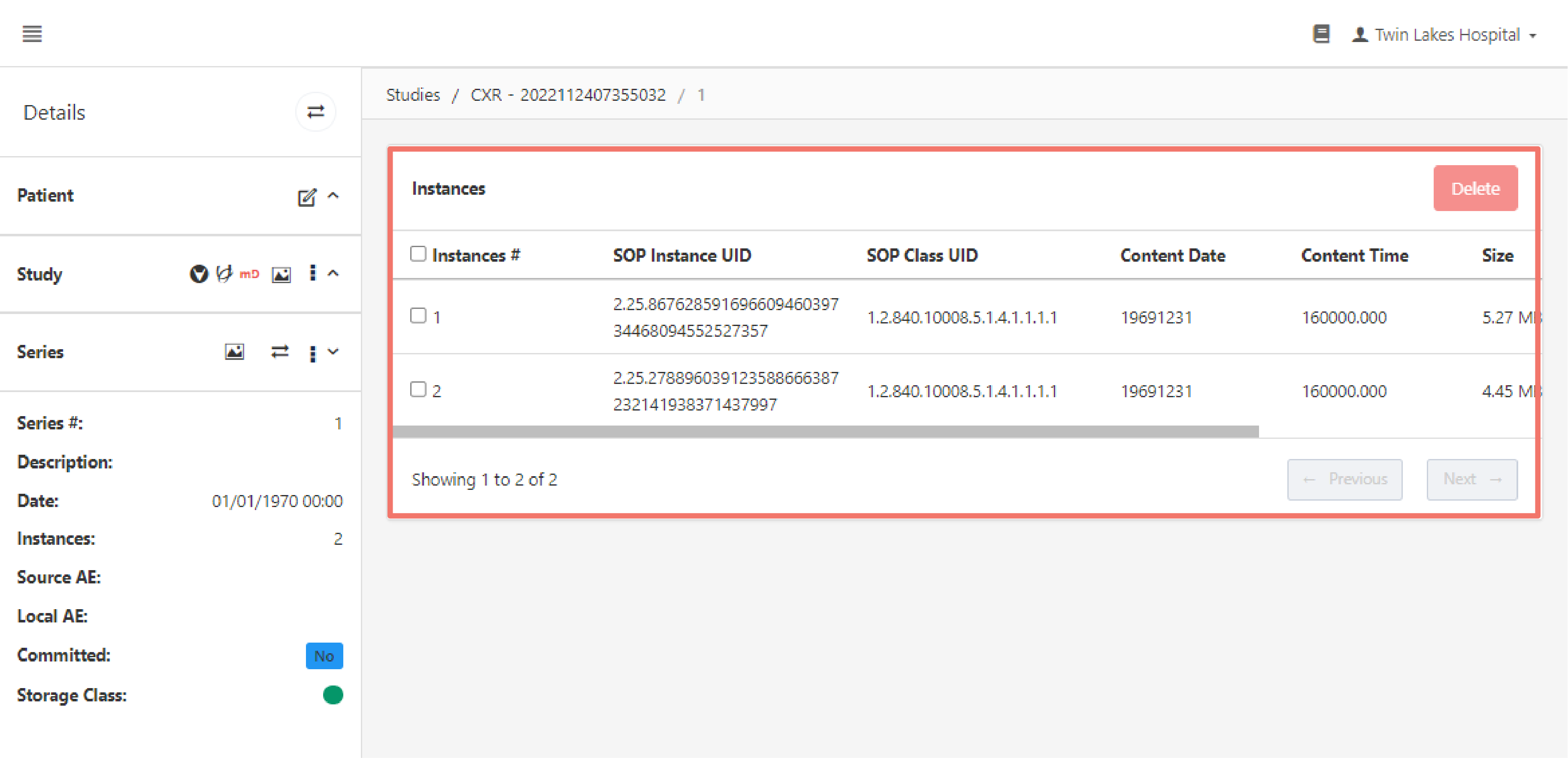
This section lists the series' instances and contains the following options for managing them:
View Instance
The "image" icon views the instance in the AdvaPACS DICOM Viewer.
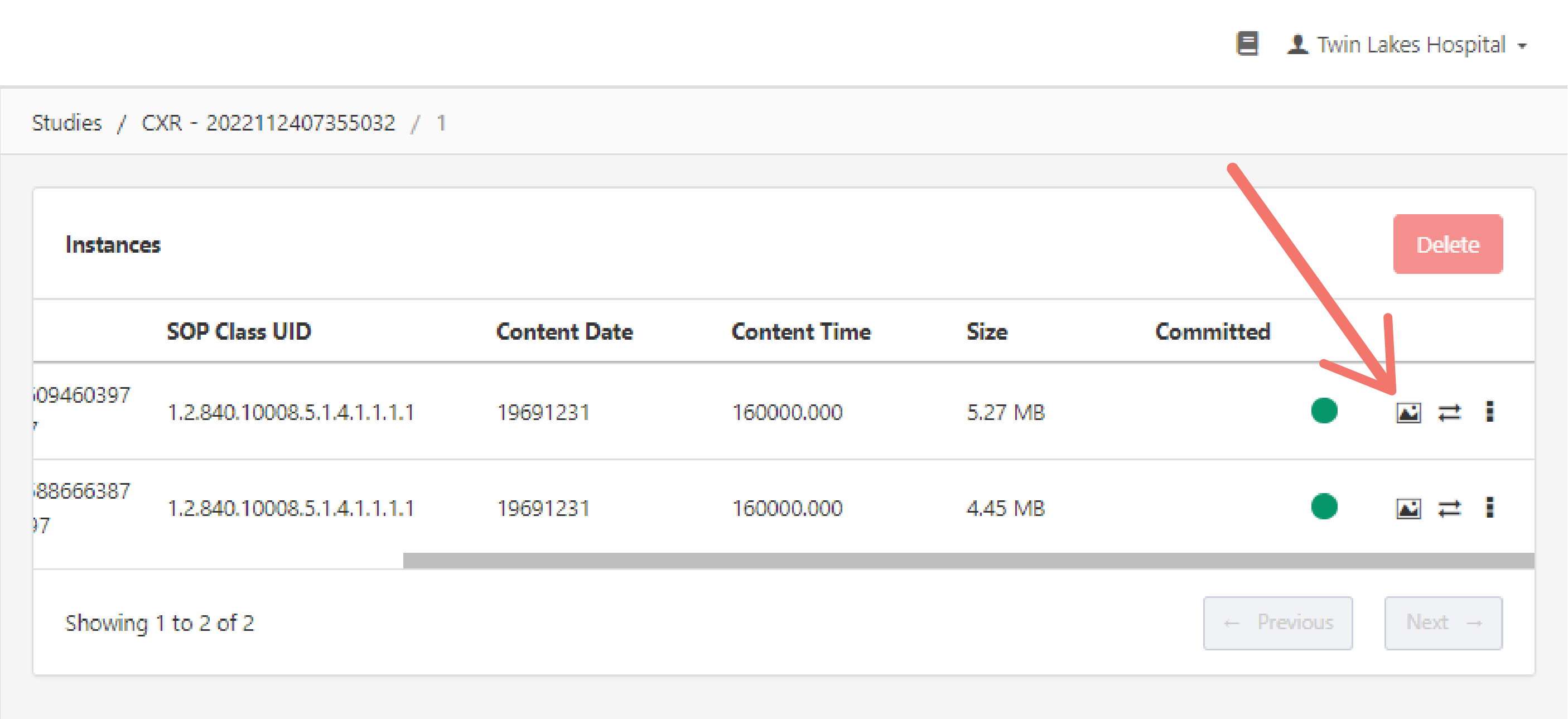
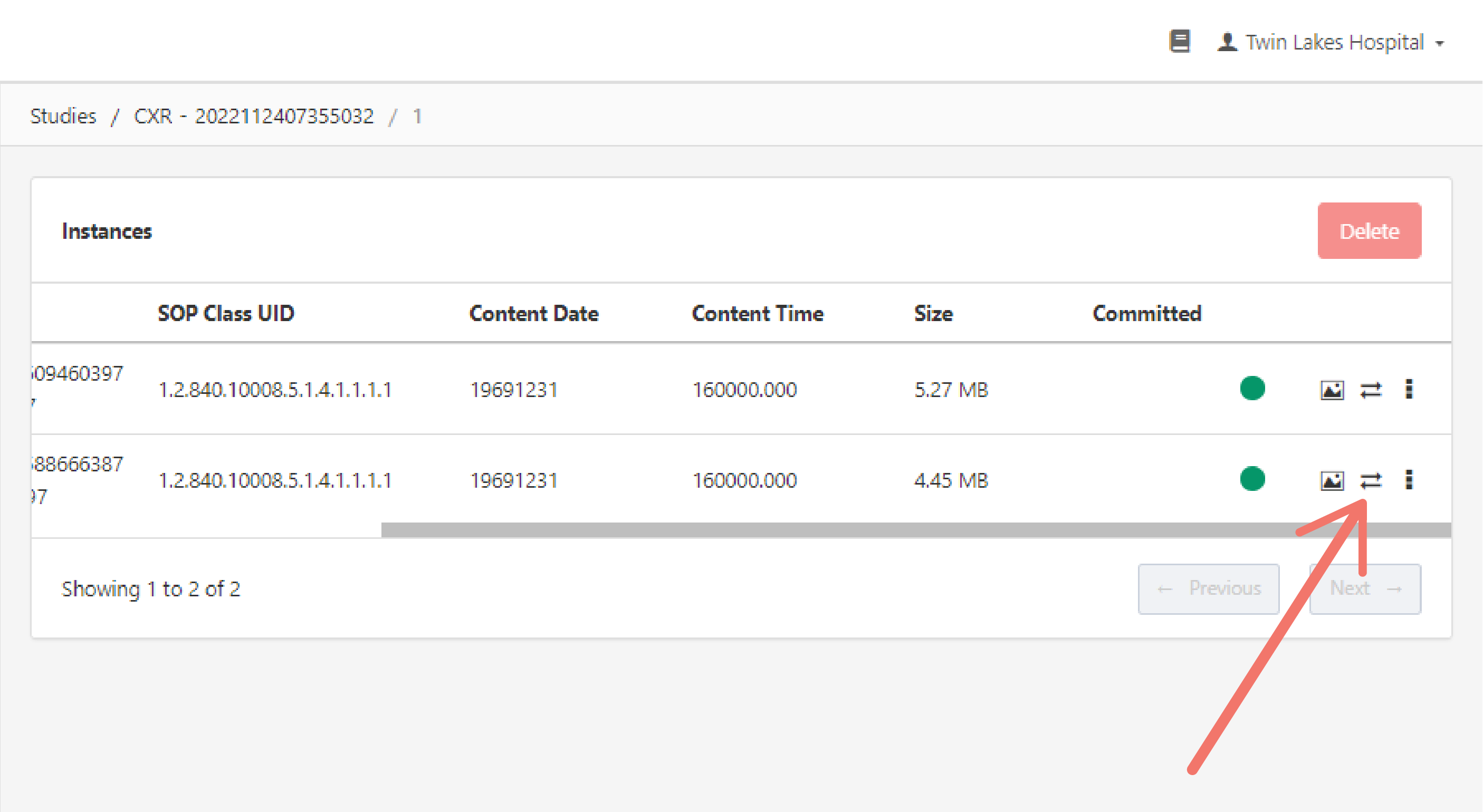
Move Instance
Move the instance to a Remote AE that is connected to AdvaPACS.
Click on the "move" icon to open the Move Details pop up box.
Enter the Local AE, Destination AE, and Priority.
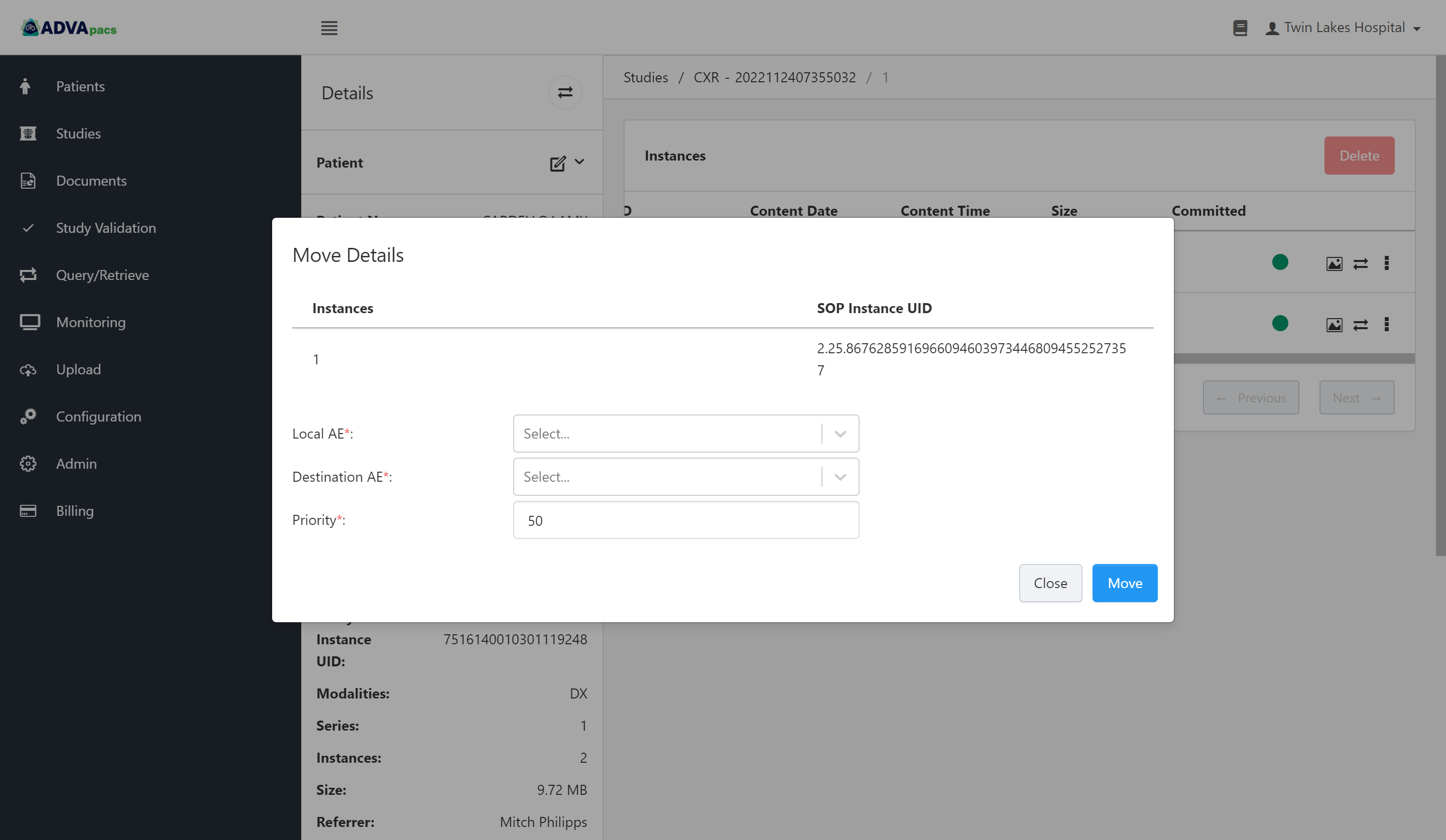
- Local AE - This is the Local AE that sends the instance to its destination. This Local AE should be connected to the Destination AE.
- Destination AE - This is the Remote AE where the instance will be sent to.
- Priority - This specifies the priority with which the instance is moved. Select a number from 1 to 100, with 100 being the highest and 1 being the lowest priority.
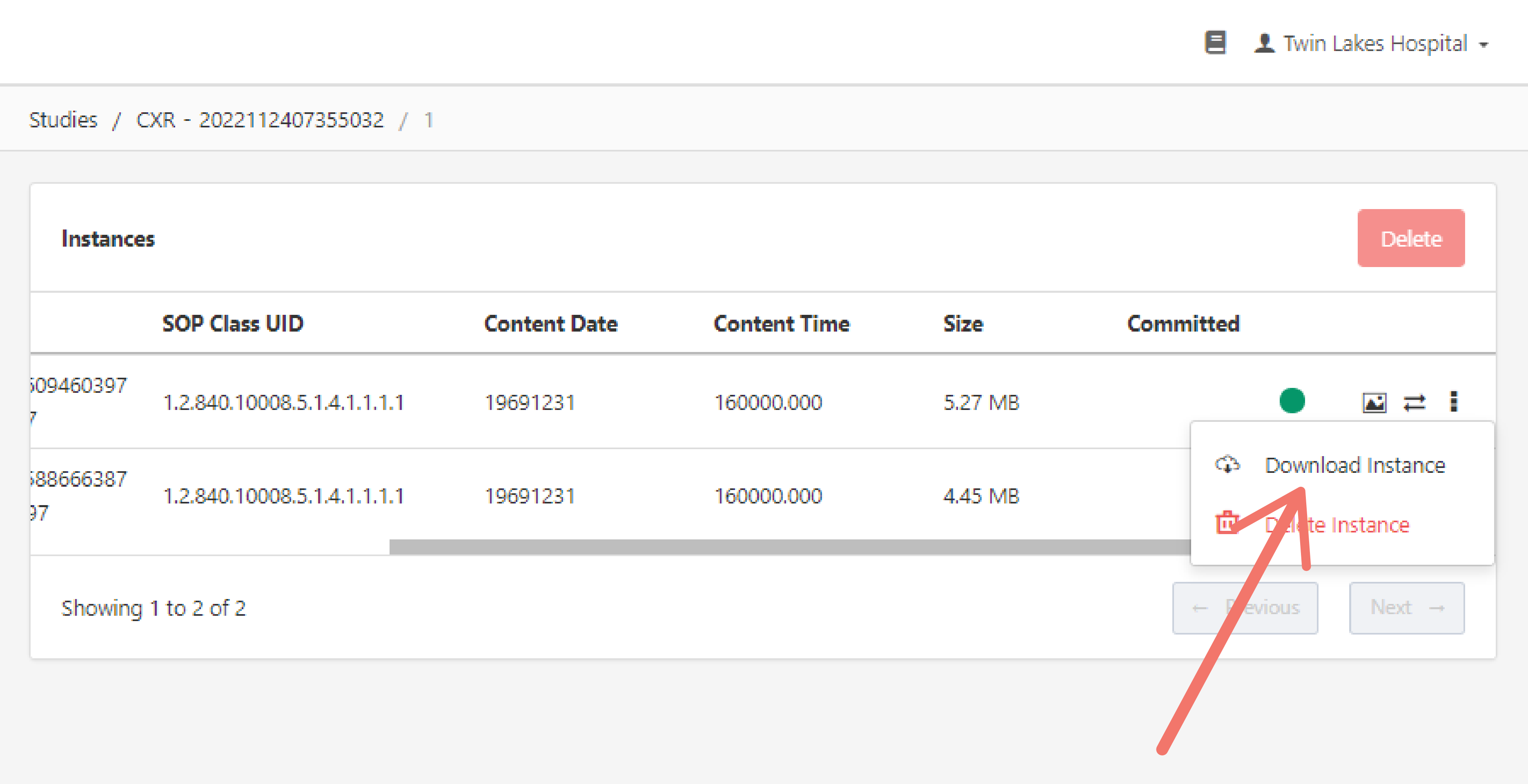
Download Instance
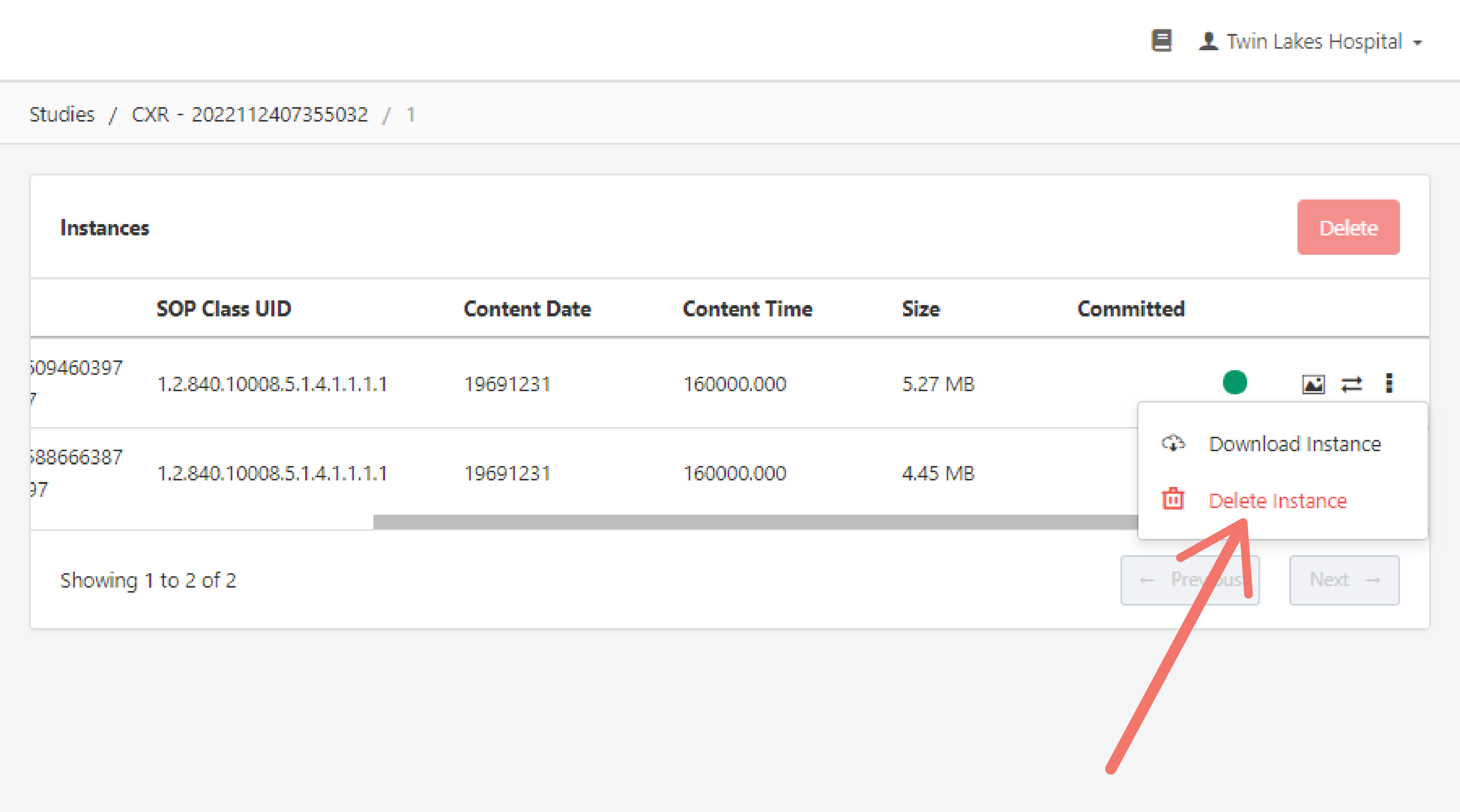
To download an instance, click on the three "dots" to open the drop-down menu and click "Download Instance".
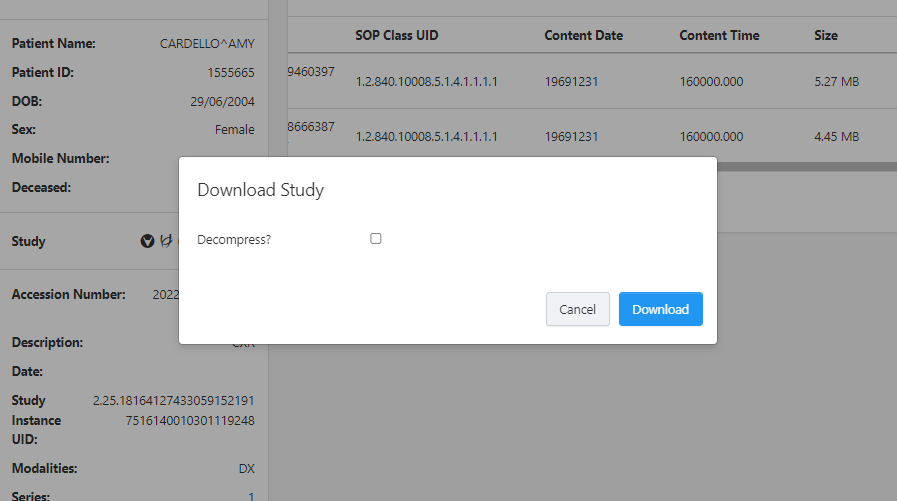
This displays an option to decompress the instance or not. Tick the checkbox to download a decompressed file. Leave it unchecked to download a compressed file.
Delete Instance
To delete an instance, click on the three "dots" to open the drop-down menu and click "Delete Instance".