Create a Tenant
A tenant is your organisation's dedicated AdvaPACS environment. It contains your users, configuration, studies, and integrations, and provides a secure workspace for your organisation. Each tenant has its own unique web address (subdomain), and is where your users sign in to access your AdvaPACS environment. For example:
https://yourorganisation.advapacs.com
Throughout this documentation, the term is used interchangeably, depending on the context. We may use it to refer to the facility using AdvaPACS or to the facility's AdvaPACS account itself. For example, if we are referring to the facility using AdvaPACS, we might say, "your tenant needs to renew its subscription".
Register Tenant
To get started with AdvaPACS, go to register.advapacs.com and complete the registration form with your organisation and tenant details. As part of the registration process, you will choose the subdomain that will be used to access your AdvaPACS tenant.
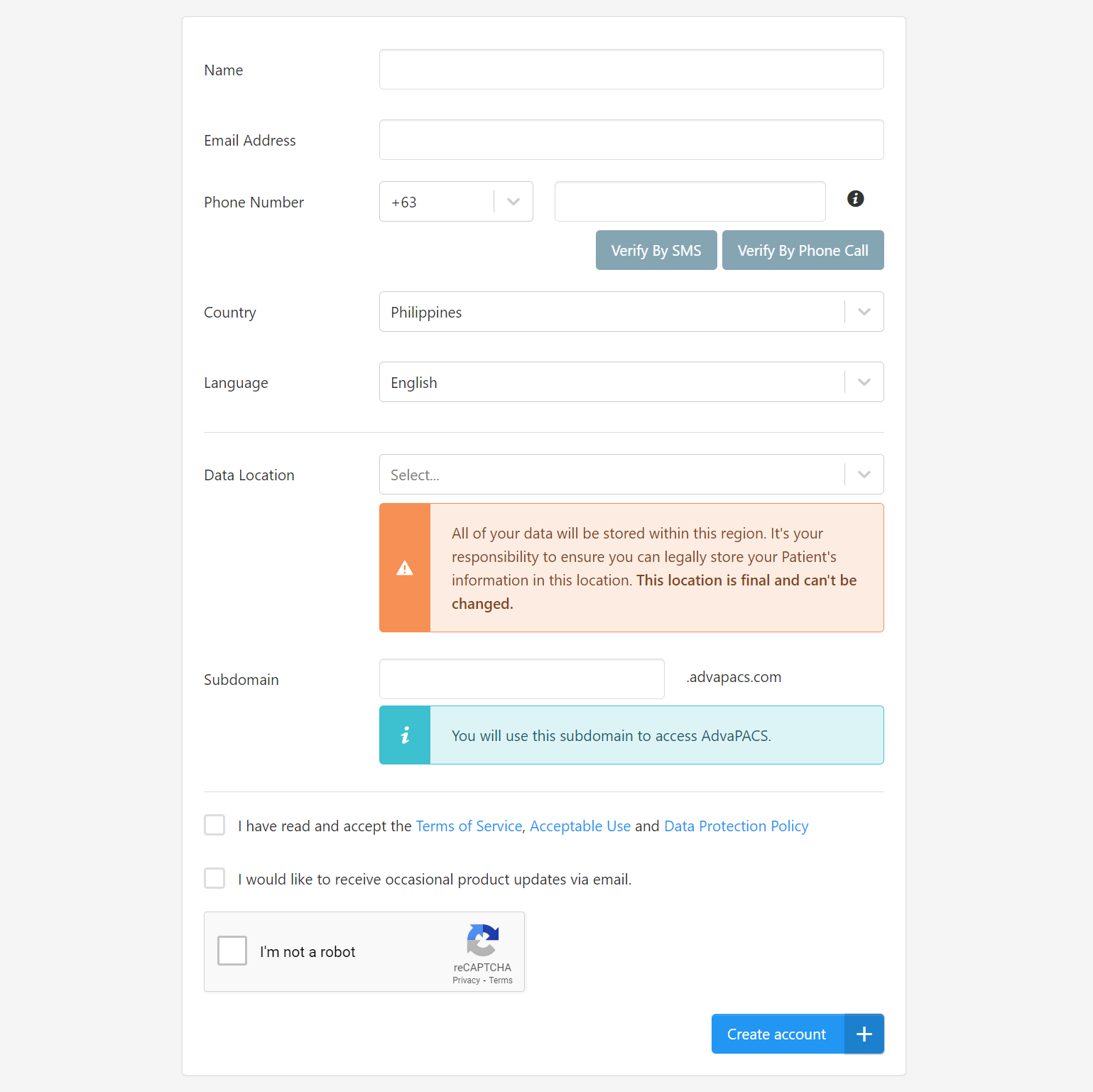
After submitting the form, a verification email will be sent to the email address provided. Follow the link in the email to verify your registration and continue setting up your tenant.
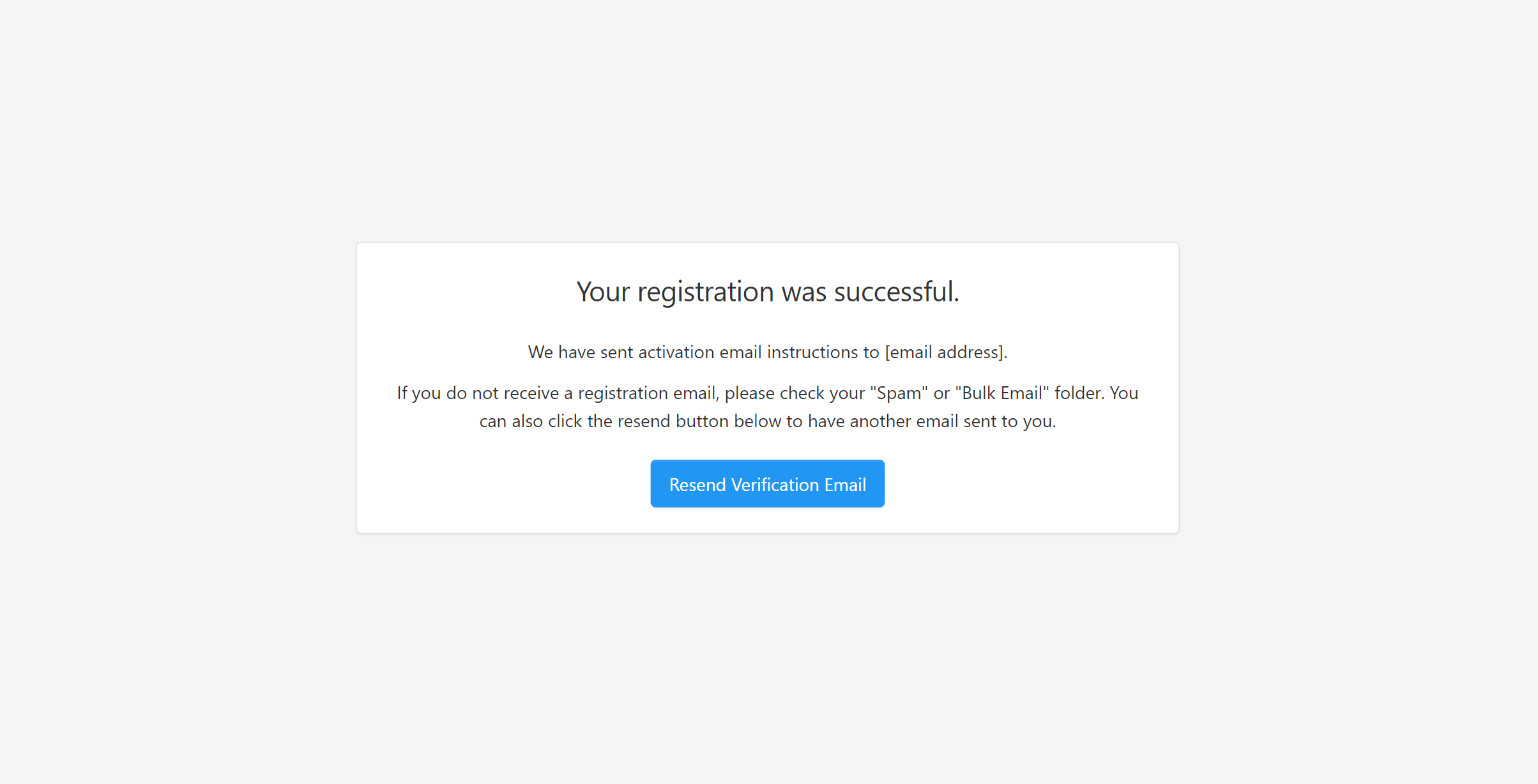
2. Create Account Owner
After verifying your email address, you will be prompted to create the first user account for the tenant. This user becomes the Account Owner and completes the registration of your AdvaPACS tenant
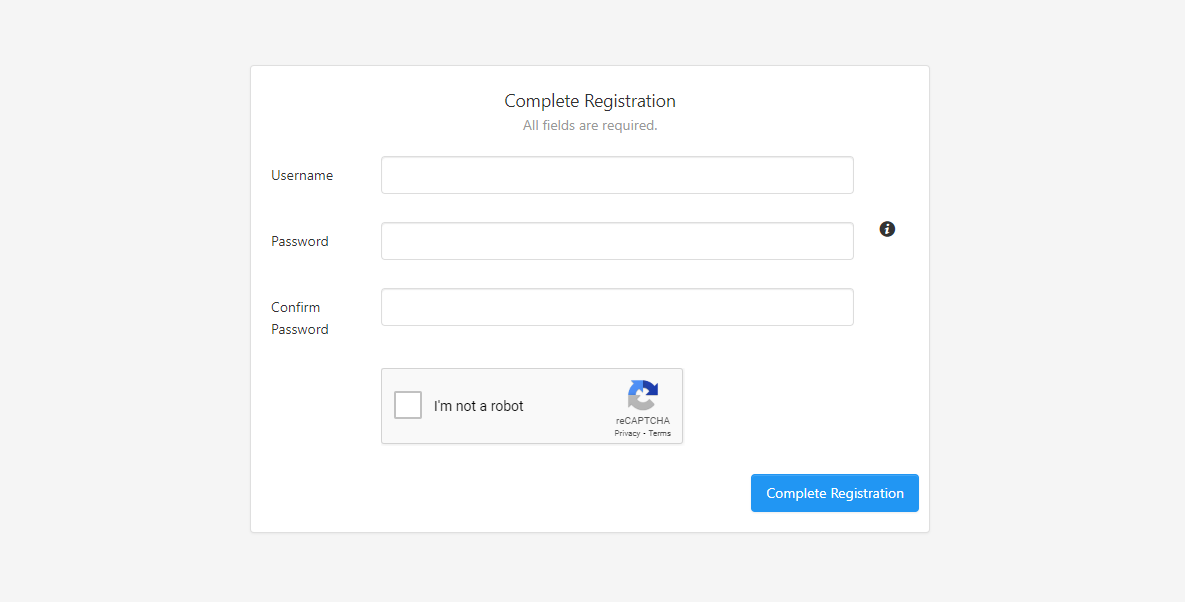
Each tenant can have only one Account Owner. This account has additional privileges for managing the tenant and its subscription:
- It cannot be deactivated.
- It can continue to sign in to manage billing if the subscription is suspended due to non-payment.
- It always has access to User Management and Billing, regardless of the permissions assigned through its role.
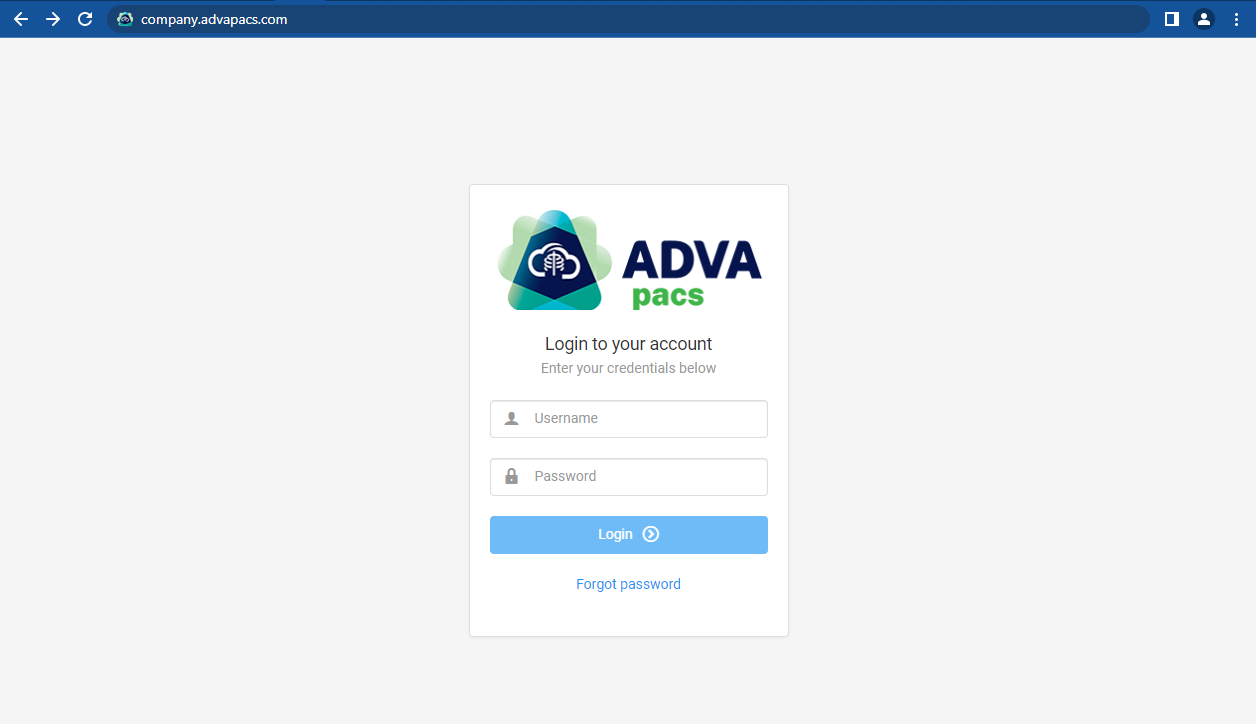
Once the Account Owner has been created, you can access AdvaPACS using the subdomain selected during tenant registration. For example, if your subdomain is company, go to:
https://company.advapacs.com
You will then be directed to the AdvaPACS login page, where you can sign in using the Account Owner credentials.
Account Owner
The first user account, created in the Tenant Registration process, is the account owner. It is an exclusive account that the tenant uses to manage its subscription to AdvaPACS.
A tenant can only have one account owner and it's the only account that has the following privileges:
- It can't be deactivated.
- It can always log in to settle bills if the tenant's subscription is suspended due to non-payment.
- It has access to User Management and Billing, no matter what permissions are given to it by its assigned role.
If you need to transfer the Account Owner to a different user account, you will need to contact support.