Activate your Tenant
New AdvaPACS tenants begin in Trial Mode, allowing you to explore AdvaPACS, configure your environment, connect modalities, and evaluate the available features before activating your subscription.
Trial Mode
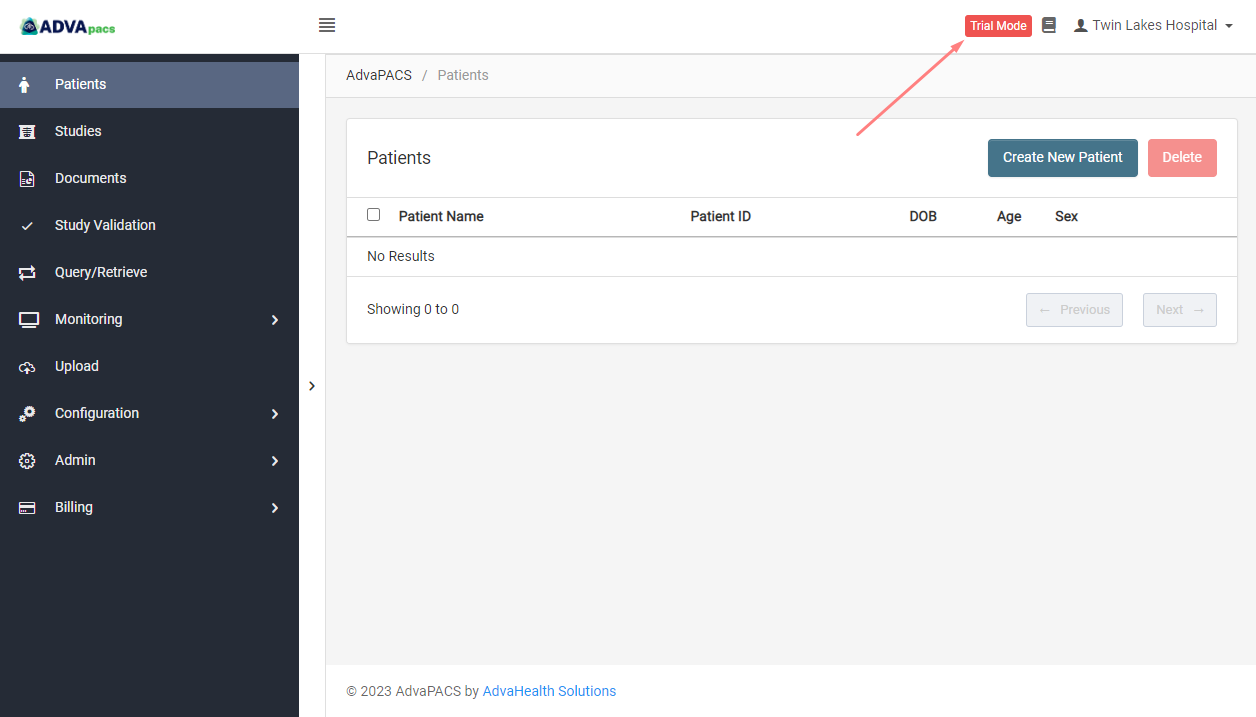
While your tenant is in Trial Mode, you can select Trial Mode to view information about your current trial:
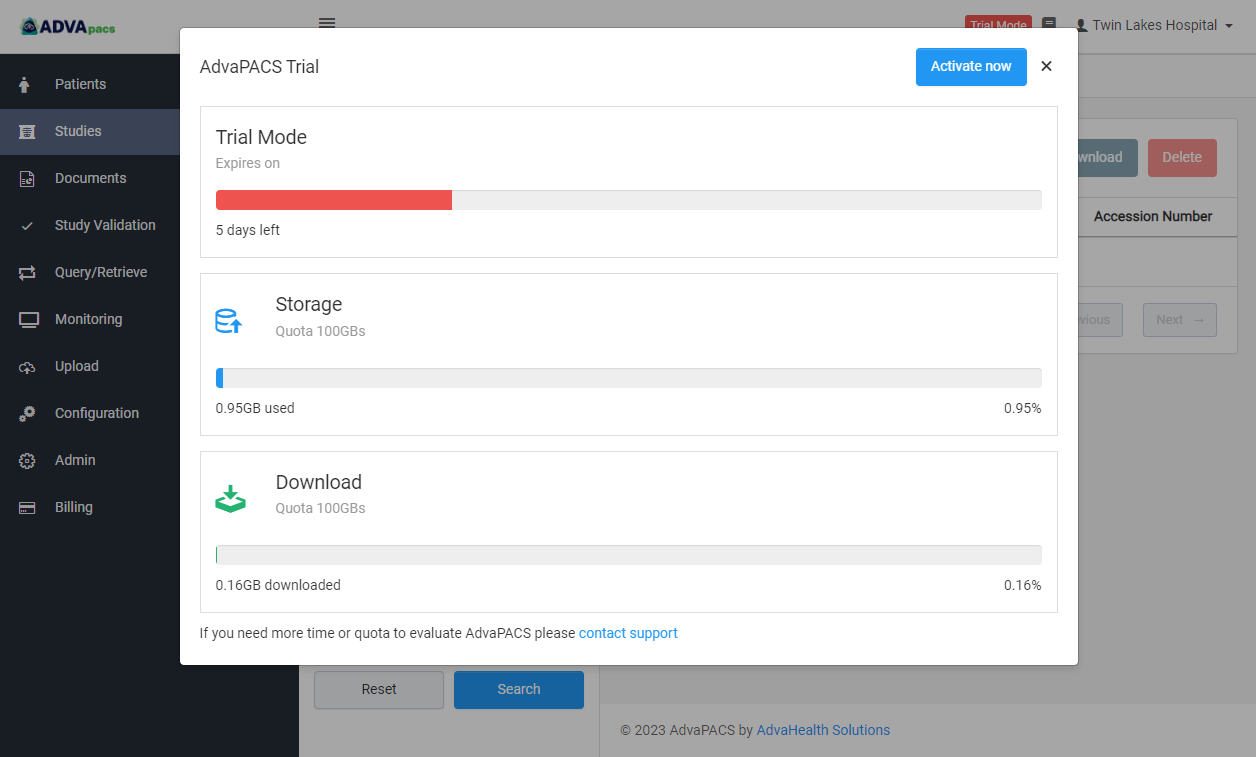
Here, you can view various information about your trial, including:
- The number of days remaining in your trial.
- Your current storage usage.
- The amount of data consumed during the trial.
Activate Your Tenant
When you are ready to move from the trial to a paid subscription, you can activate your tenant directly from AdvaPACS.
-
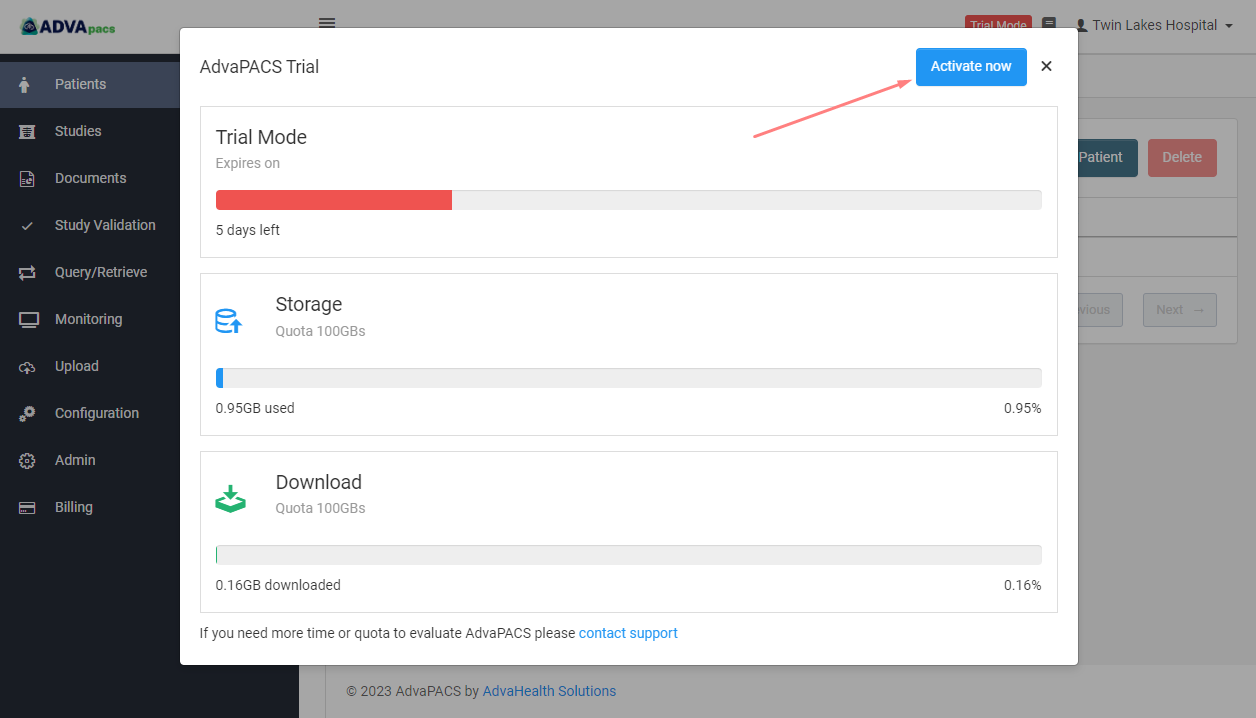
From the dashboard, select Trial Mode.
-
Click Activate Now.
-
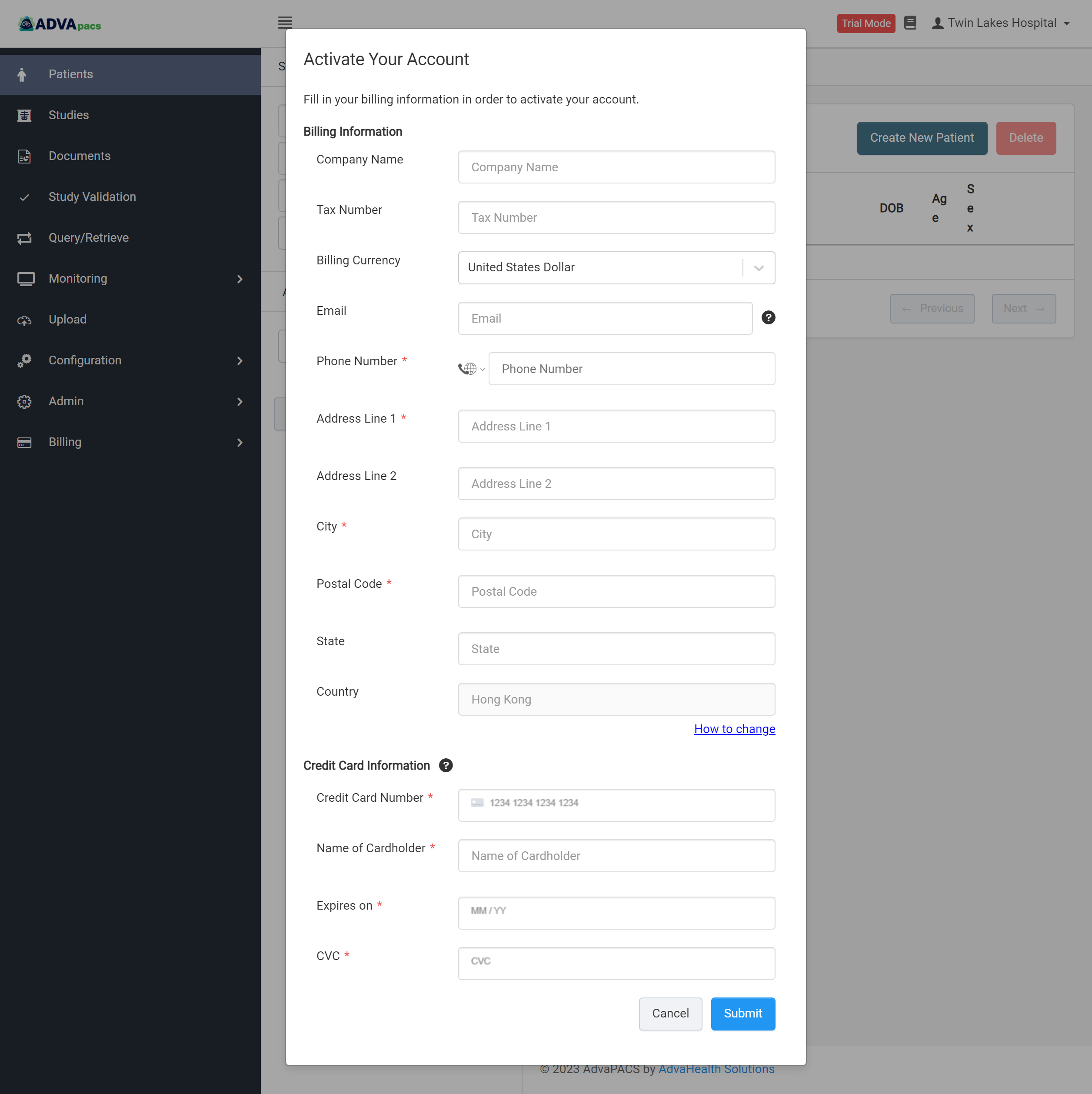
Complete the subscription form with the required account and billing details.
-
Submit the form to activate your AdvaPACS subscription.
Once activation is complete, your tenant will exit Trial Mode and continue operating under your selected subscription.
Trial Expiration
If the trial period expires:
- All users except the Account Owner will lose access to the tenant.
- The Account Owner can continue to sign in and activate the tenant.
- Your trial data will be retained for 7 days after the trial expires.
Activating the tenant during this period restores access and allows you to continue using the data and configuration created during your trial.
After activating your tenant, we recommend creating a monthly estimated bill and configuring a billing alert to receive notifications when your running bill exceeds your estimated amount.