Gateway Storage Directory
By default, the AdvaPACS Gateway stores received studies, queued uploads, logs, and other operational data in its installed data directory. If additional disk space is required or you want to relocate the Gateway's data to another drive, you can change the data directory used by the Gateway.
This guide walks through the process of relocating the Gateway data directory to a new location.
Guide
- Open the AdvaPACS Dashboard and navigate to Configuration → Gateways.
- Select the Gateway on which you want to change the Data Directory.
- Click Edit.
- Enter the full path to the directory where the Gateway data will be stored in the Data Directory field. For example,
D:\AdvaPACSGateway\data.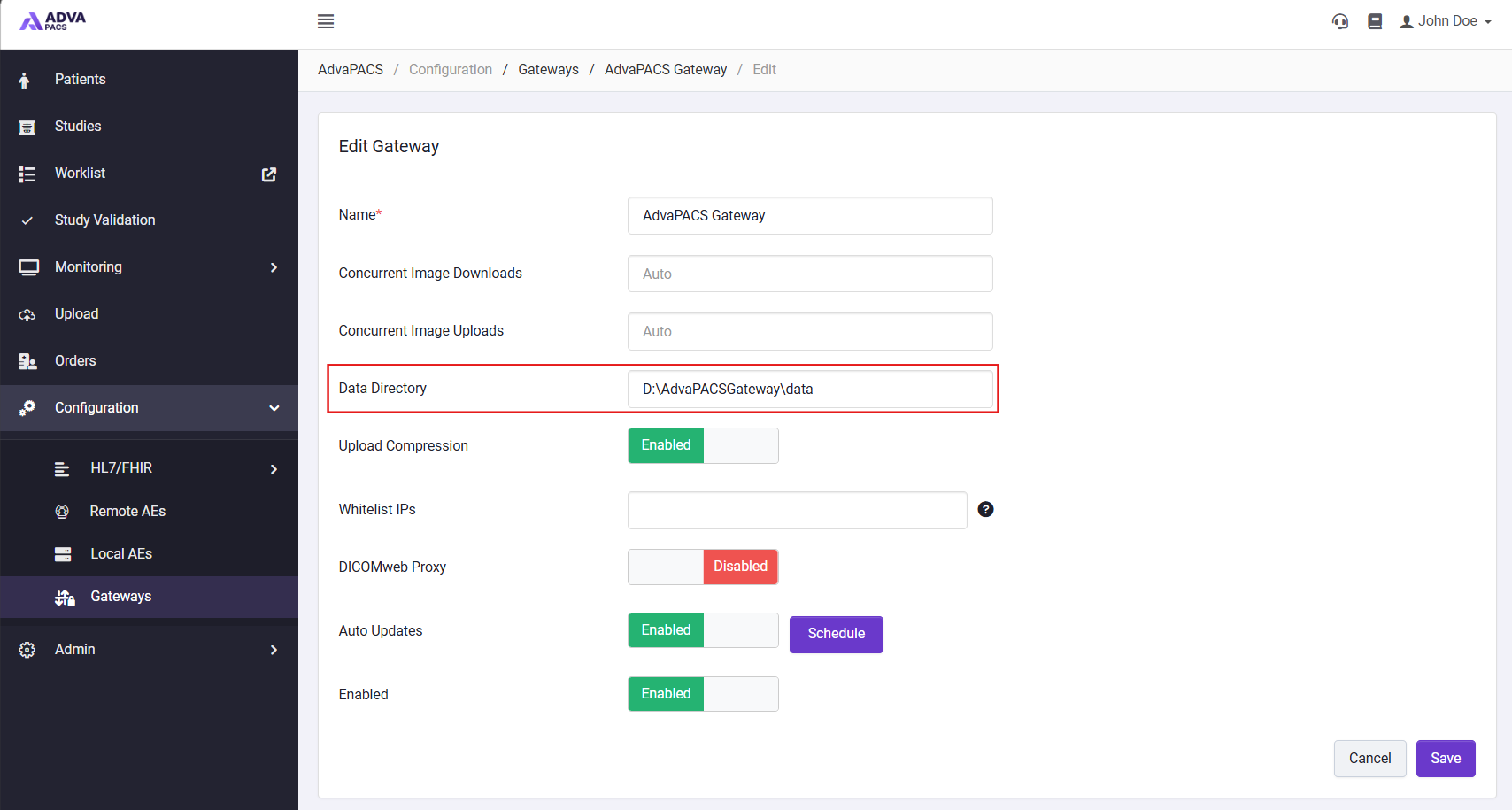
- Click Save.
- Restart the gateway service to apply the changes.