Overview
User Settings allow each user to customise their reporting environment to suit their workflow and preferences.
These settings control aspects of the reporting experience, including display/theme settings, prior study loading behavior, dictation microphone behavior and setting your signature to be displayed within a report.
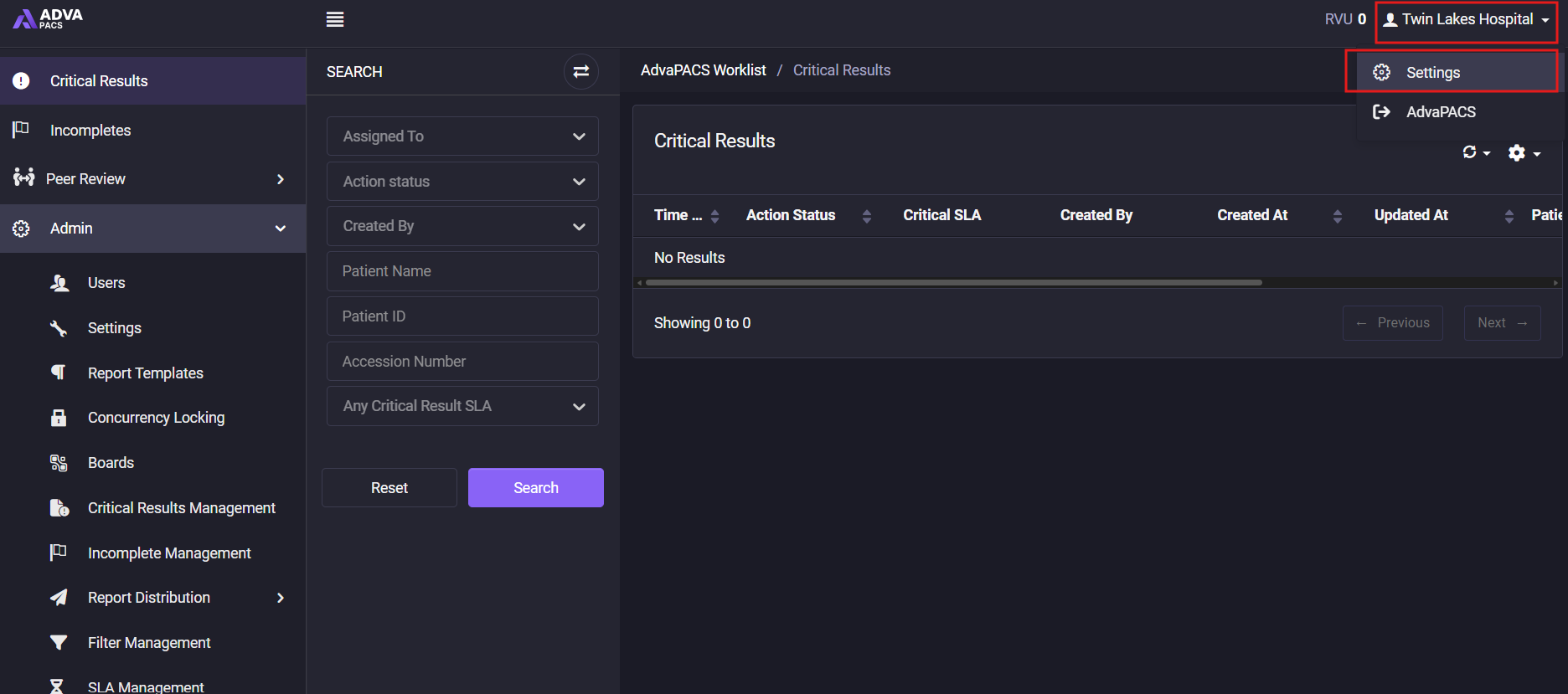
All settings can be accessed by clicking on your name in the top-right corner of the Reporting Worklist and selecting Settings.